The best tablet games for seniors with memory loss are calm, familiar and forgiving: matching pairs, jigsaw puzzles, word searches, simple card games and sorting games, with large text, no timers, no ads and no penalty for a wrong move. The aim is a pleasant few minutes, not a score.
This guide covers six gentle game types, what to avoid, and how to help someone start. For games that do not need a screen, see memory games for seniors with mild memory loss.
What Matters Most in the Game
Games that suit someone with memory loss share a few traits:
- One clear task per screen. Too many choices cause confusion.
- No timers or lives. Pressure and failure messages can upset people.
- Big text and buttons. Easier to read and easier to tap.
- Familiar rules or pictures. Things they already know feel safe.
- No ads or pop-ups. Unexpected screens can be frightening.
- Easy to restart. A game should never get stuck or lock them out.
6 Gentle Game Types
| Game type | Why it can work | Tip |
|---|---|---|
| Matching pairs | Simple, visual, short rounds | Start with a few cards |
| Jigsaw puzzles | Visible progress, no wrong answers | Use large pieces |
| Word search | Familiar, calm, easy to pause | Pick bigger letters and a theme they enjoy |
| Solitaire and cards | Known rules from long ago | Turn on undo |
| Sorting and categories | Everyday objects, easy logic | Use pictures of familiar things |
| Sudoku (small grids) | Quiet focus for those who enjoyed it before | Only if they liked it before |
Matching Pairs
Flipping cards to find pairs is easy to understand and rounds are short. Begin with four to six cards.
Jigsaw Puzzles
Digital jigsaws have no wrong answers, only pieces that fit or do not. Choose pictures of things the person loves, such as gardens or family pets.
Word Search
Word searches feel familiar and can be paused at any time. They are easier when the theme is a topic the person knows well. Our guide to word search for seniors has ideas.
Solitaire and Card Games
Long-known rules can stay accessible even when new things are hard to learn. An undo button removes the sting of a mistaken move. See card games for seniors.
Sorting and Category Games
Sorting objects into groups, such as fruit or tools, uses everyday knowledge and is gentle by nature.
Small Sudoku Grids
Only suggest this if the person loved number puzzles before. A new game with new rules is usually a poor choice.
What to Avoid
- Games with countdown timers, streak penalties or "you lost" screens.
- Free games full of ads, which can be confusing or accidentally lead to the App Store.
- Games with in-app shops that nudge people to spend.
- Anything the person feels is a memory test.
Use Screen Time to require a passcode for purchases. Our iPad and iPhone setup guide shows how.
How to Help Someone Start
- Choose a game they already like. Familiar beats clever.
- Set up the tablet first. Enlarge text and keep the home screen simple.
- Play side by side. Let them tap, and stay relaxed.
- Keep sessions short. Five to ten minutes is plenty.
- Stop when it stops being fun. Try again another day.
For more tips, see how to help elderly parents start brain games, and activities for seniors with dementia at home for ideas away from the screen.
A Calm Option: SilverMind
SilverMind is our iPhone and iPad app of calm brain exercises for seniors. It has big text in Atkinson Hyperlegible, large buttons, one task per screen, no ads and no pressure from timers. It is a pastime for the mind, not a treatment, so a caregiver should judge whether it suits the person.
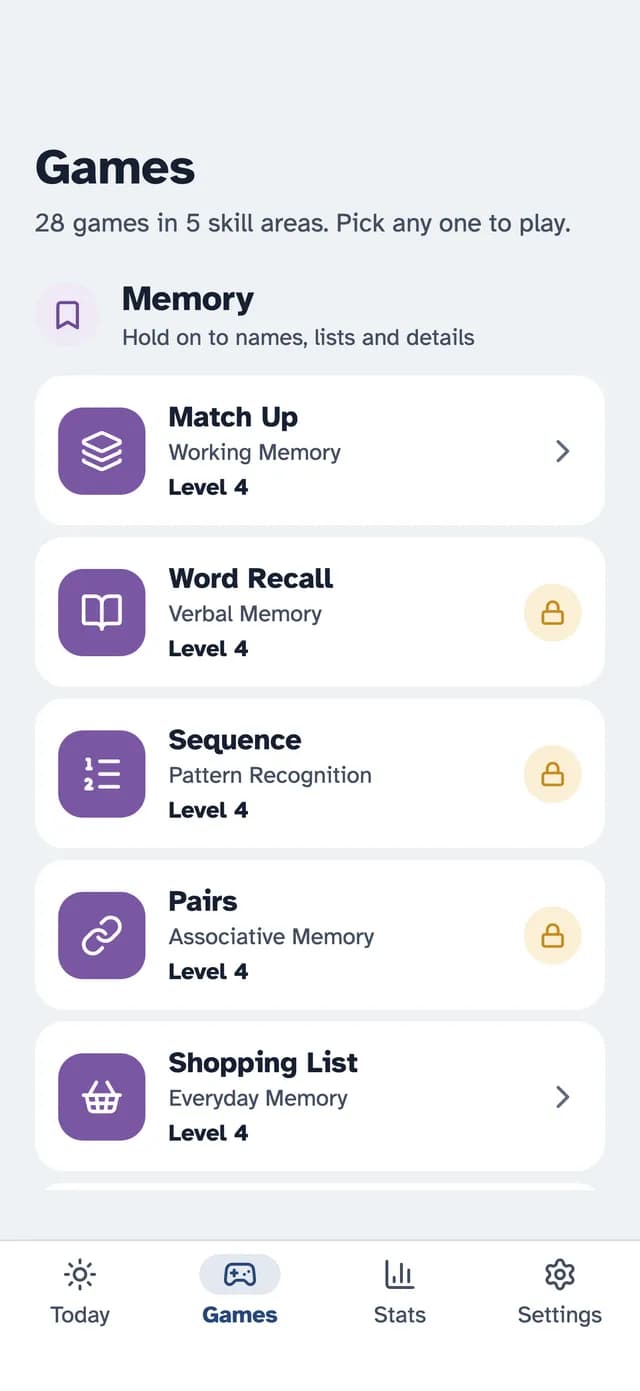
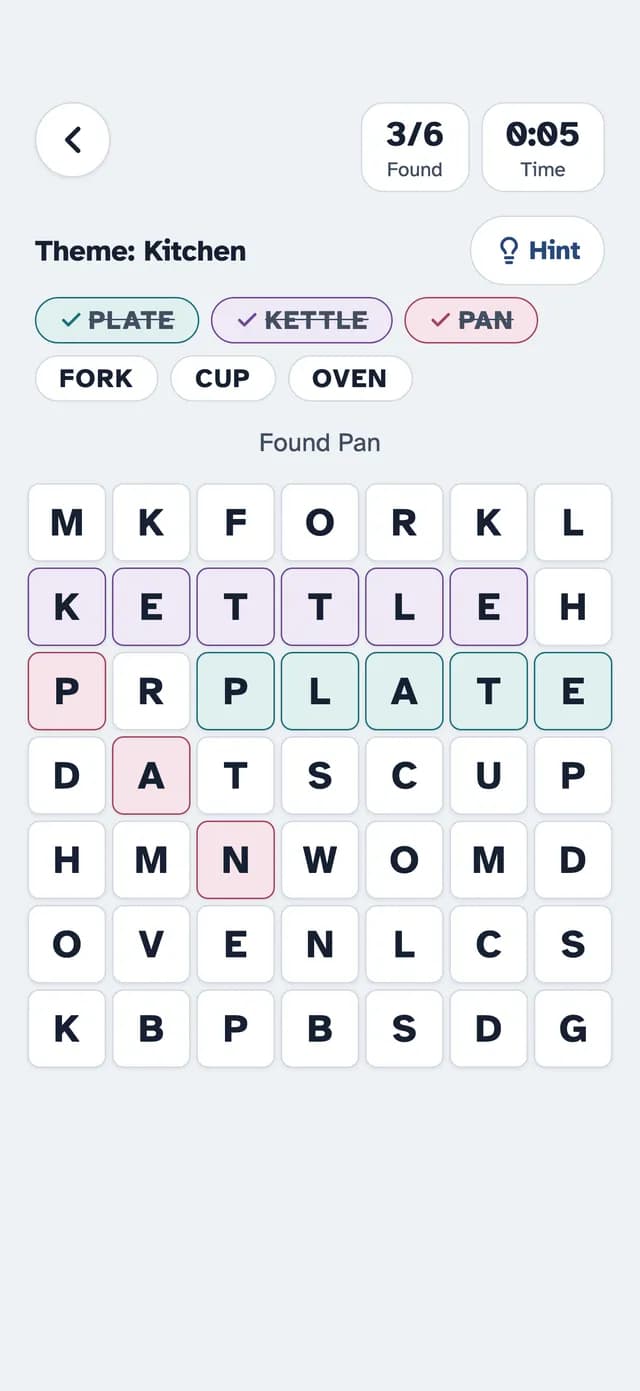
Some exercises are free with no ads, including Match Up, Word Search, Finish the Phrase and Mini Sudoku. SilverMind Premium unlocks everything and starts with a 7-day free trial.
When to Talk to a Doctor
Games are enjoyment, not a way to check memory. If you notice changes in memory, getting lost or trouble with daily tasks, ask a doctor. Our guide to dementia vs normal aging explains the differences.
The Bottom Line
Choose gentle, familiar, no-pressure games, keep sessions short and play together at first. If a game causes stress, stop and try something else.
Research & References
- Cognitive Health and Older Adults - National Institute on Aging
- Alzheimer's Disease and Related Dementias - National Institute on Aging