Brain games for seniors

Three short games a day, in under 10 minutes, with big text and no rushing. Start on paper with the free worksheets below, in your browser with nothing to install, or in the SilverMind app on iPhone and iPad.

Good brain games for older adults are calm, clear and a little challenging. The buttons are large, the text is easy to read, nobody is racing a clock, and there are no ads to tap by mistake. A game should feel like a crossword with your morning coffee, not like a test.

SilverMind was made for exactly that. It has 28 exercises for memory, attention, speed, words and reasoning, and every day it picks three of them for you. The level adjusts as you play, so the games stay pleasant instead of getting too easy or too hard.

3 games a day, 10 minutes

  1. Open SilverMind: today's workout of three games is ready.
  2. Play each one at your own pace, with no clock unless you want one.
  3. See how the week went in a short, friendly report.

A small daily habit that fits next to the newspaper or the evening news.

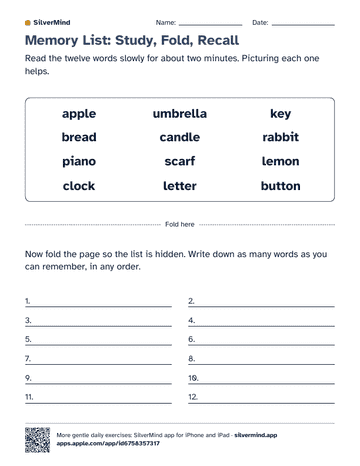
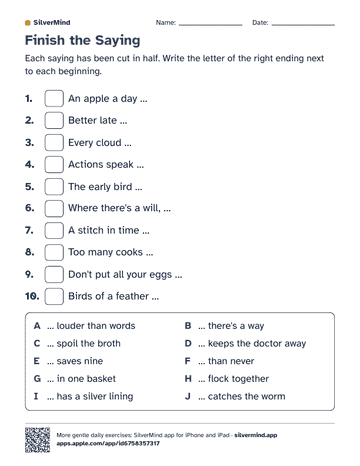
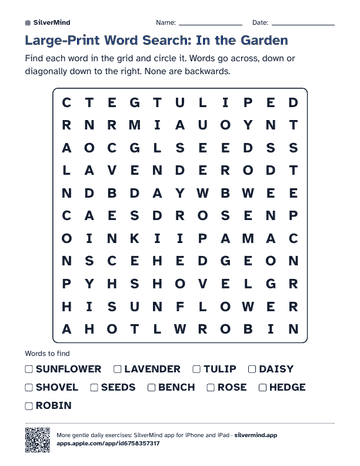
Three free worksheets to print

Large print, answers included, no sign-up. Print them for yourself, a parent or a group.

See all free worksheets

What makes a game right for seniors

  • Large, high-contrast text and buttons you cannot miss.
  • No time pressure unless you want it.
  • One clear task per screen, explained in plain words.
  • No ads, no account and no pop-ups.

Looking for ideas on paper, with friends or on a tablet? Read our guide: 25 brain games for seniors

Try today's three games

Free to download on iPhone and iPad, or play in any browser. 8 of the 28 exercises are free with no time limit.

Questions families ask

Are these brain games free?
Yes, to start. The worksheets are free to print. The app is free to download, and 8 of the 28 exercises can be played without a subscription, with no ads. A subscription unlocks the rest.
Do I need to download anything?
No. The browser version at silvermind.app/play runs on a computer, an Android tablet or an iPad with nothing to install. On iPhone and iPad you can also get the app from the App Store.
How long does it take each day?
About 6 to 10 minutes. SilverMind picks three short games a day, and you can stop after any of them.
Is it hard to use for someone who is not good with phones?
It was designed for that. There is one action per screen, big buttons, large type, and no account to create. Many families set it up once and the parent plays on their own from then on.